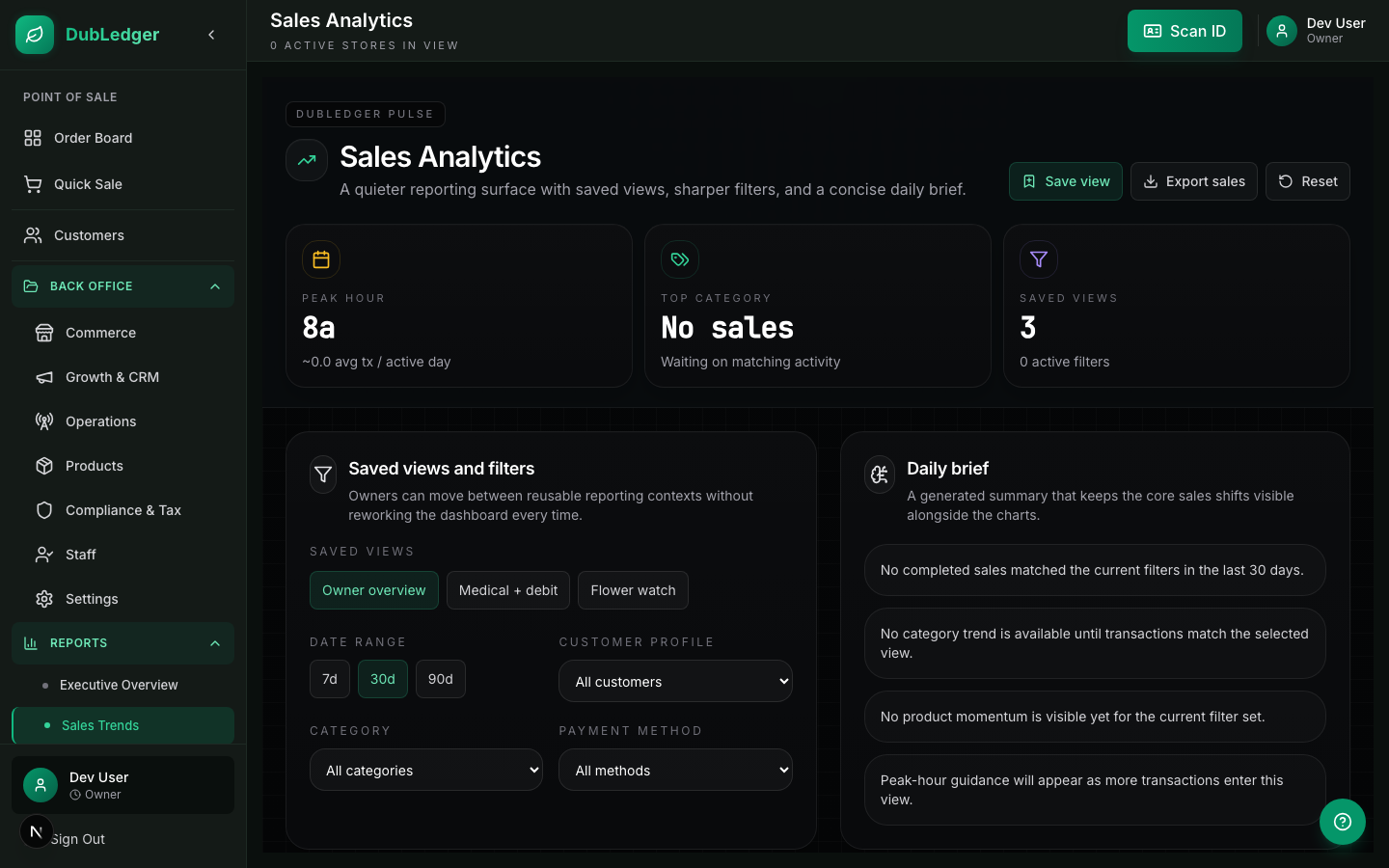
Sales Dashboard
The DubLedger Sales Dashboard provides real-time insights into your dispensary's performance.
#
Dashboard Overview
Key Metrics Cards
- Total Revenue: Today's sales revenue (updates in real-time)
- Transaction Count: Number of transactions today
- Average Basket Size: Average transaction value
- Items Sold: Total units sold today
- Unique Customers: Number of distinct customers today
- Compliance Score: Current compliance health score
Trend Indicators
- Percentage change vs. yesterday
- Percentage change vs. last week (same day)
- Percentage change vs. last month (same day)
- Green = up, Red = down, Gray = no change
#
Chart Views
Revenue Chart → Line chart showing revenue by hour. Toggle between today, yesterday, last 7 days, last 30 days. Compare to previous periods. Hover for exact values at each hour.
Transaction Chart → Bar chart showing transaction count by hour. Identify peak hours and slow periods. Staff scheduling insights. Compare days of the week.
Category Breakdown → Pie chart showing revenue by product category (Flower, Concentrates, Edibles, Vapes, Pre-Rolls, Topicals, Accessories). Hover for exact dollar amounts and percentages. Click a category to drill down to subcategories.
Payment Method Distribution → Pie chart showing sales by payment method (Cash, Debit, Credit, Digital Wallet, House Account). Track customer payment preferences. Identify opportunities for payment optimization.
#
Top Products
Best Sellers → Ranked list of top-selling products today. Shows units sold, revenue, and inventory remaining. Highlights products running low. Click to view product details or reorder.
Underperformers → Products with low sales relative to inventory. Shows days of supply remaining. Suggests promotions or discounts. Click to view product details or adjust pricing.
New Products → Recently added products and their performance. Track adoption rate of new strains or brands. Compare to similar products. Identify successful product launches.
#
Customer Insights
New vs. Returning → Percentage of new customers vs. returning. Track customer acquisition trends. Measure retention effectiveness. Compare to industry benchmarks.
Customer Segments → Breakdown by loyalty tier. Average spend by tier. Visit frequency by tier. Identify high-value segments.
Purchase Patterns → Peak hours chart, day of week trends, seasonal patterns, holiday and event impact.
#
Compliance Metrics
METRC Sync Status → Last successful sync time, pending sync queue, error count, sync success rate (last 7 days).
Purchase Limit Alerts → Number of limit violations today, customers approaching limits, average grams per transaction, compliance score trend.
Lab Test Status → Products with expired lab tests, products nearing expiration, lab test coverage percentage, expired test impact on sales.
#
Customizing the Dashboard
Adding Widgets
1. Click Customize Dashboard
2. Drag widgets from the library to your dashboard
3. Resize and rearrange widgets
4. Click Save Layout
Widget Library → Revenue metrics, Transaction metrics, Product performance, Customer insights, Compliance status, Inventory alerts, Employee performance, Delivery metrics.
Date Ranges → Today, Yesterday, Last 7 days, Last 30 days, This month, Last month, Custom range (select start and end dates).
Exporting → Export any chart or table as PNG, PDF, or CSV. Export the entire dashboard as a PDF report. Schedule automatic exports (daily, weekly, monthly). Email exports to stakeholders automatically.
#
Alerts and Notifications
Setting Up Alerts
1. Click Alerts on the dashboard
2. Click New Alert
3. Select the metric to monitor
4. Set the threshold (e.g., "Revenue < $500 by 2 PM")
5. Set notification method (in-app, email, SMS)
6. Set schedule (always, business hours, specific times)
7. Click Save
Alert Types → Revenue thresholds (low or high), Inventory alerts (low stock, out of stock), Compliance alerts (sync failures, limit violations), Employee alerts (no sales for X hours), Customer alerts (no new customers today), Delivery alerts (late deliveries, failed deliveries).
#
Dashboard Access
Roles and Permissions → Owners: Full dashboard access, all locations. Managers: Full dashboard access, assigned locations only. Budtenders: Limited view (today's sales only, their register only). Accountants: Export-only access, no editing.
Mobile Access → Dashboard is available on mobile devices. Optimized for tablet and phone screens. Key metrics visible at a glance. Swipe to view different charts. Tap to drill down for details.
Real-Time Updates → Dashboard updates every 30 seconds automatically. No need to refresh the page. WebSocket connection for instant updates. Offline mode shows cached data with timestamp.